Billing Use Case
Invoice PDF API for automated billing workflows
An invoice PDF API turns invoice HTML into finished PDFs that can be downloaded, emailed, or routed into downstream systems. XeroPDF fits this workflow when teams want to generate invoices from HTML templates, add password protection when needed, and deliver completed files through direct responses or webhooks.
Typical document
Invoice
customer billing output
Delivery options
2
direct response or webhook
Security option
Password
for protected invoice PDFs
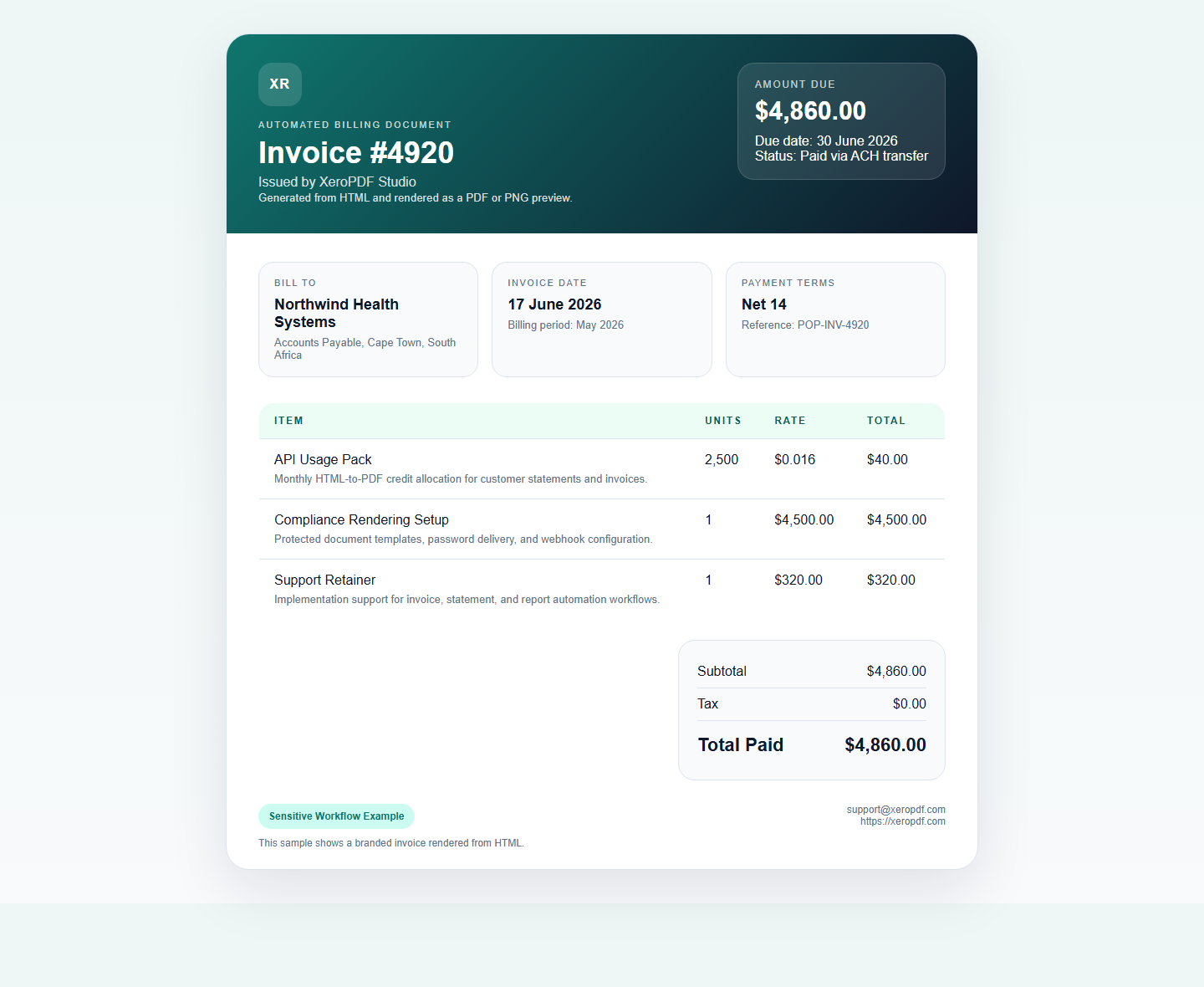
Rendered invoice example
A real invoice template rendered from HTML into both PNG and PDF output.
Why teams automate invoice PDFs
- Generate invoices from the same HTML templates used in customer portals
- Keep branding, totals, tax rows, and payment references consistent
- Deliver invoices asynchronously when billing runs in batches
- Protect sensitive invoices with passwords before distribution
Relevant XeroPDF features for invoice generation
`headerTemplate` and `footerTemplate`
Useful for invoice branding, page labels, or payment terms.
`password`
Encrypt invoices that contain customer financial details.
`webhookUrl`
Queue invoice jobs and deliver finished PDFs to downstream systems.
`printBackground`
Keep invoice branding, table backgrounds, and logos intact.
Common invoice workflow
| Step | Action | Why it matters |
|---|---|---|
| 1 | Render invoice HTML from your billing data | Lets you reuse existing template logic and styles |
| 2 | Send the HTML to `POST /v1/pdf` | Creates the finished invoice PDF through the API |
| 3 | Optionally add a password or webhook | Adds delivery or protection controls based on your workflow |
| 4 | Return or route the invoice to your customer system | Completes the automated billing flow |