Dashboard
Manage your API keys, monitor usage, and buy credits.
Available Credits
Total Generated
All-time successful generations
API Key
This is your secret API key. Keep it safe and do not share it with anyone.
Zero Retention PDF
Engine.
Privacy-first HTML to PDF and screenshot rendering for teams that handle invoices, records, statements, and other sensitive documents. Render in-memory and return output directly to your app.
The Zero Retention PDF Shield
Designed for privacy-sensitive fintech and healthtech workflows. HTML payloads and output buffers are rendered in-memory and returned directly to the client or webhook without being stored as customer documents in application storage.
Why Teams Choose XeroPDF
A quick comparison of the controls that matter when you are rendering invoices, records, statements, and other sensitive documents.
| Capability | Typical HTML-to-PDF API | XeroPDF |
|---|---|---|
| Document handling | Often opaque about temp storage and browser artifacts | Privacy-first, in-memory rendering flow with no customer document storage in app logic |
| Output types | PDF only | PDF plus PNG, JPEG, and WebP screenshots |
| Control surface | Basic page format and headers | Page size, viewport, delay, wait conditions, page ranges, scaling, and image quality |
| Delivery options | Synchronous response only | Direct response or webhook delivery for PDF jobs |
| Document protection | Rarely included | Optional password-protected PDF encryption |
API Playground
Real-time PDF Preview
Implementation
// Generate a PDF with advanced render controls
const response = await fetch('https://xeropdf.com/v1/pdf', {
  method: 'POST',
  headers: {
    'Content-Type': 'application/json',
    'x-api-key': 'sk_live_...'
  },
  body: JSON.stringify({
    html: '<h1>Invoice #4920</h1>',
    format: 'A4',
    landscape: false,
    scale: 0.95,
    waitUntil: 'networkidle',
    waitForSelector: '.invoice-ready',
    password: 'secure_pass_123',
    headerTemplate: 'Confidential'
  })
});

const arrayBuffer = await response.arrayBuffer();
import requests
# Capture a screenshot instead of a PDF
response = requests.post(
'https://xeropdf.com/v1/screenshot',
headers={
'x-api-key': 'sk_live_...'
},
json={
'html': '<div class="invoice-ready">Preview</div>',
'type': 'png',
'fullPage': True,
'waitUntil': 'networkidle',
'viewport': {'width': 1440, 'height': 900}
}
)
with open('preview.png', 'wb') as f:
f.write(response.content)curl -X POST https://xeropdf.com/v1/pdf \
-H "x-api-key: sk_live_..." \
-H "Content-Type: application/json" \
-d '{
"html": "<h1>Hello Secure World</h1>",
"format": "Letter",
"pageRanges": "1-2",
"waitUntil": "domcontentloaded",
"password": "secure_pass_123",
"headerTemplate": "Confidential Document",
"webhookUrl": "https://example.com/pdf-ready"
}' \
--output document.pdfPublished Limits & Defaults
Maximum JSON body size for HTML, inline CSS, and embedded assets.
Browser work is queued to keep output stable under load.
Supports load, domcontentloaded, networkidle, and commit.
Explicit viewport control for PDFs and screenshots, plus up to 10s extra render delay.
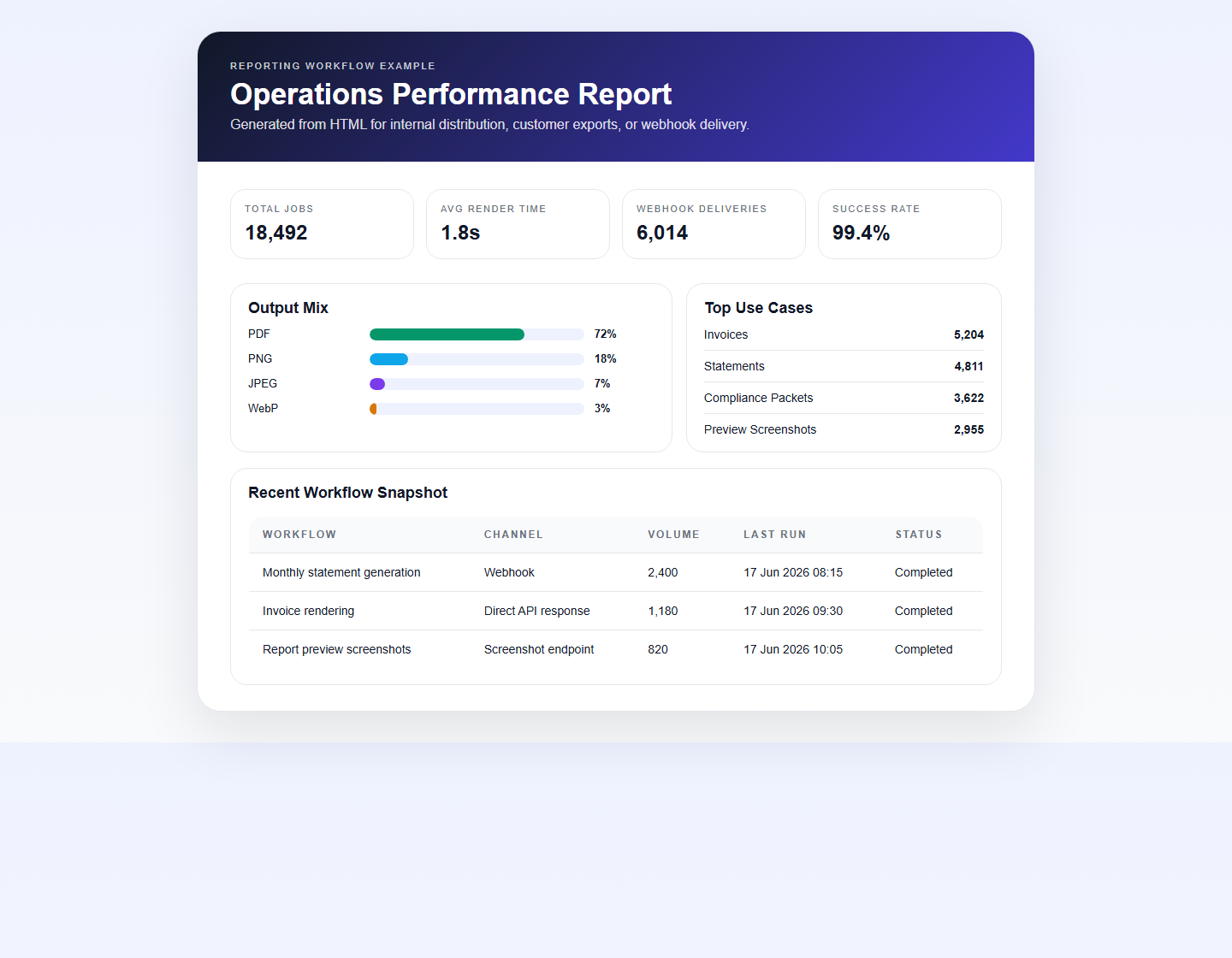
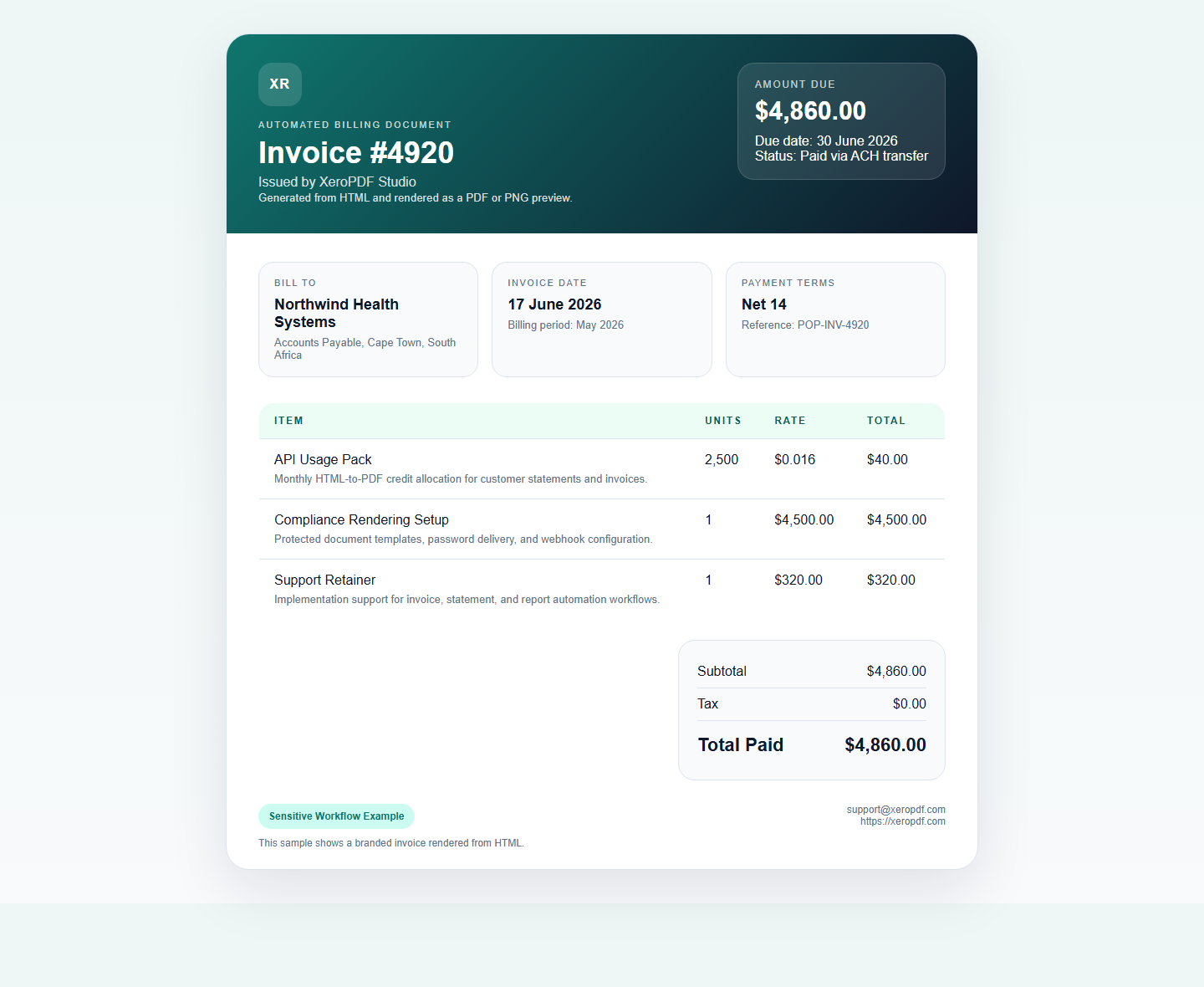 Invoices
Real HTML invoice rendered to PNG and PDF.
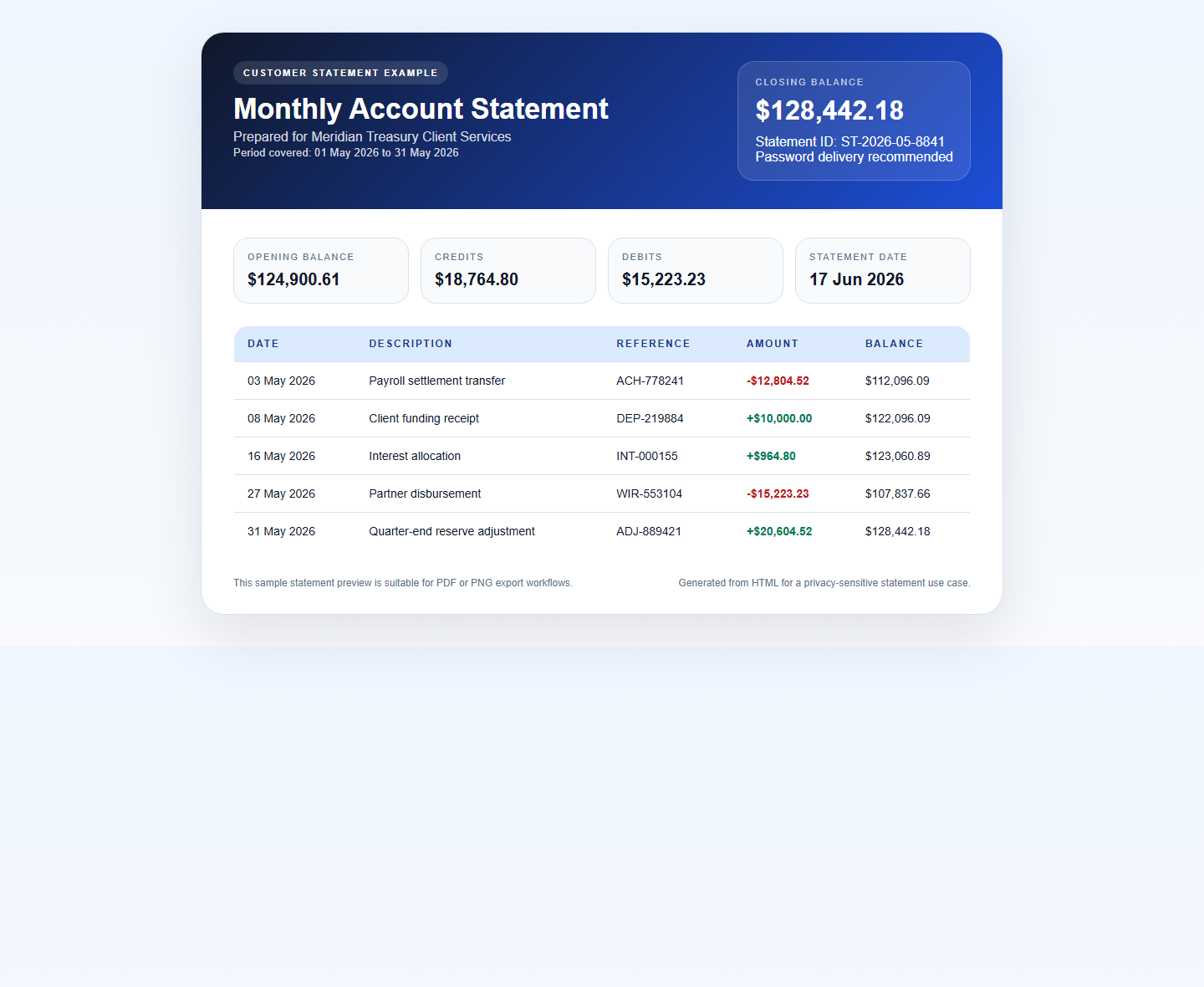 Statements
Sensitive statement layout rendered from HTML.
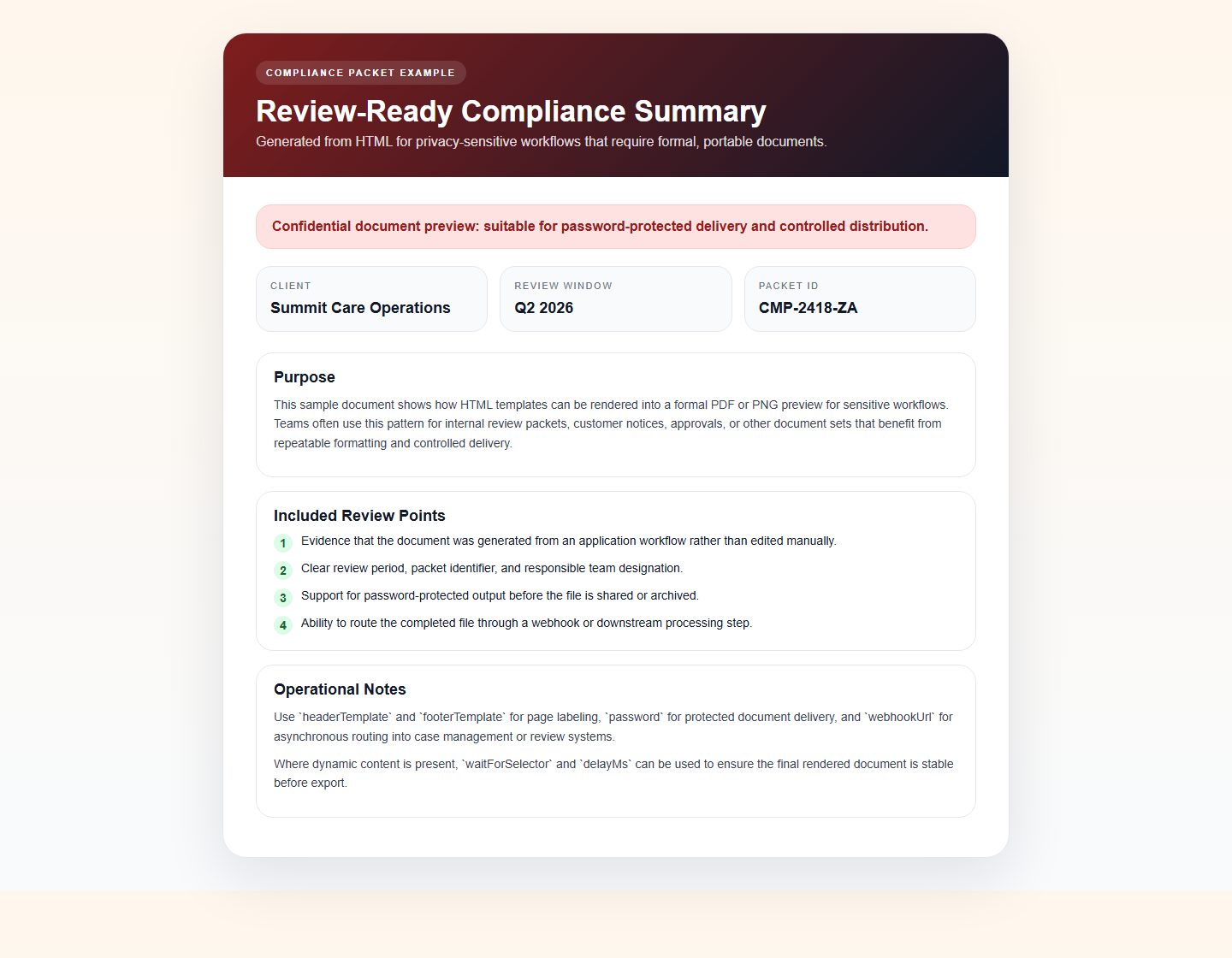 Records
Formal compliance packet preview for sensitive workflows.
Verified: Zero Data Retention
We don't just claim zero retention — we prove it. This certificate is generated by scanning process memory after every render.
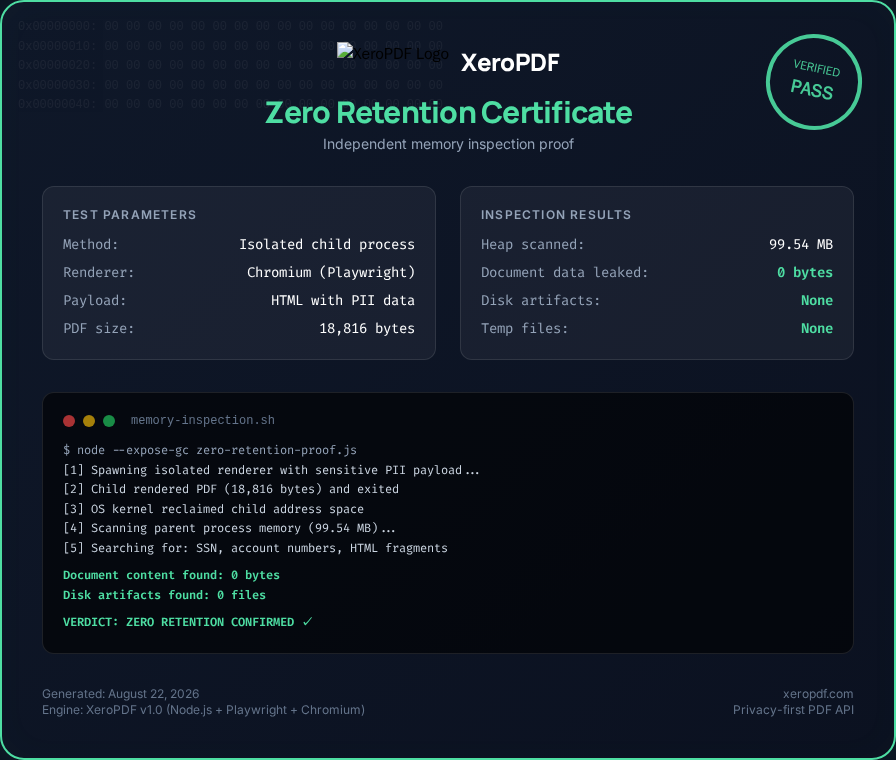
Copy this code to embed on your site (includes backlink):
<a href="https://xeropdf.com/zero-retention-certificate.html" title="XeroPDF Zero Retention Proof"><img src="https://xeropdf.com/examples/rendered/zero-retention-certificate.png" alt="XeroPDF Zero Retention Certificate" width="800"/></a>
Simple, transparent pricing
Start for free, then move to one-time prepaid credit packs. No recurring subscriptions, no hidden platform fees.
Developer
$0.00 USD
- check 50 Free Credits
- check Community Support
- check Full API Access
Starter
$10.00 USD
- check 500 API credits
- check $0.020 per PDF
- check Remove Watermark
Pro
$40.00 USD
- check 2,500 prepaid API credits
- check Priority Support
- check Async Webhooks
- check Remove Watermark
Enterprise
$100.00 USD
- check 10,000 prepaid API credits
- check Dedicated Support
- check Async Webhooks
- check Remove Watermark
Authentication
The Zero Retention PDF API requires an API key for all requests. Your API key must be passed in the x-api-key header.
Endpoints
Payload Parameters
html(string, required) - The raw HTML string to convert.format / width / height(optional) - Choose a named page format or custom dimensions.landscape / scale / pageRanges(optional) - Advanced layout controls for print-ready output.password(string, optional) - AES-256 password to encrypt the PDF.headerTemplate(string, optional) - HTML template for the PDF header.footerTemplate(string, optional) - HTML template for the PDF footer.waitUntil / waitForSelector / delayMs(optional) - Control when rendering starts for JS-heavy pages.viewport(optional) - Explicit browser viewport sizing up to 2560 x 2560.webhookUrl(optional) - Receive the generated PDF asynchronously.
Payload Parameters
html(string, required) - The raw HTML string to capture.type(optional) -png,jpeg, orwebp.fullPage(optional) - Capture the whole page instead of only the viewport.quality(optional) - JPEG/WebP quality from 1 to 100.omitBackground(optional) - Transparent PNG output when needed.
Privacy & Security
Ephemeral Processing
HTML payloads and render outputs are processed in-memory inside isolated browser instances and streamed back to the client or webhook.
Zero Retention
Generated PDFs and screenshots are returned directly to the caller. We do not persist customer documents in application storage, and no retrieval endpoint exists for previously rendered files.
Compliance note: XeroPDF is designed for privacy-sensitive workflows. Customers remain responsible for their own regulatory and deployment requirements.
Frequently Asked Questions
How do I convert HTML to PDF with the API?
Send a POST request to /v1/pdf with your HTML payload and an x-api-key header. XeroPDF renders the document in-memory and returns the PDF directly to your application.
Can I generate screenshots instead of PDFs?
Yes. Use POST /v1/screenshot to render HTML into PNG, JPEG, or WebP. You can control full-page capture, image quality, viewport size, and render timing.
Does the API support password-protected PDFs?
Yes. Include the optional password field in your /v1/pdf request to encrypt the generated PDF before it is returned.
Can I receive generated files via webhook?
Yes. Add a webhookUrl when calling /v1/pdf and the API will return 202 Accepted before delivering the PDF asynchronously.