Reporting Use Case
Report PDF API for internal and customer reports
A report PDF API turns report HTML into downloadable PDFs for customers, operators, or internal teams. XeroPDF is a practical fit when reports already exist as HTML views, dashboards, or templates and need to be converted into PDFs or paired with screenshots for previews and reporting workflows.
Common output
Reports
scheduled or on-demand exports
Paired output
Screenshots
for previews or visual summaries
Delivery mode
Async
works well for generated report jobs
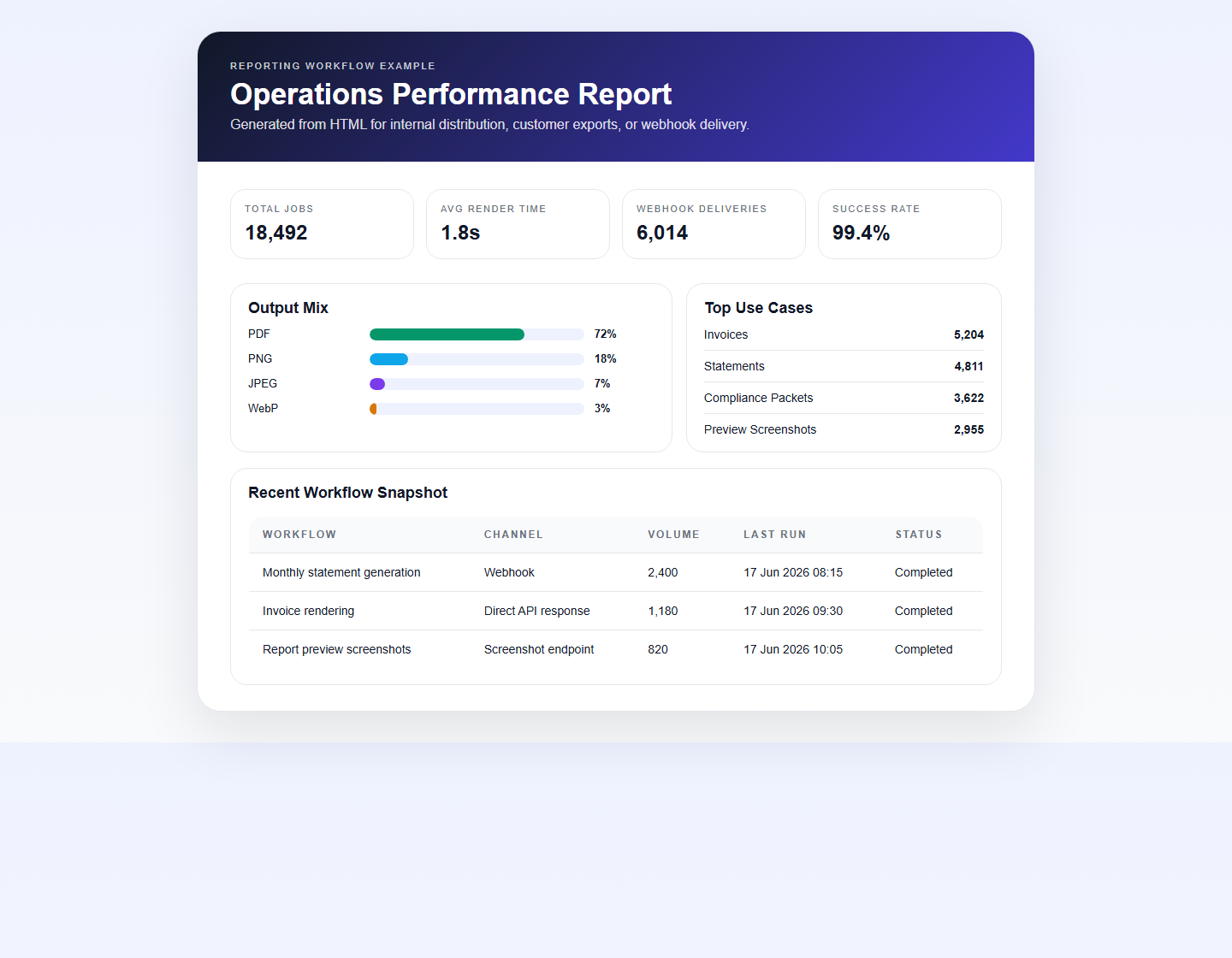
Rendered report example
A dashboard-style report preview rendered from HTML and available as both PNG and PDF.
Why teams automate report PDFs
- Generate scheduled customer reports from existing HTML layouts
- Export operational dashboards into printable or archivable files
- Deliver completed reports into downstream systems with webhooks
- Generate screenshots for report previews before final PDF download
Useful controls for report workflows
`waitForSelector`
Useful when charts, tables, or report widgets need to finish rendering before export.
`delayMs`
Adds extra buffer time for complex report layouts or slow data visualization rendering.
`headerTemplate` and `footerTemplate`
Useful for report titles, generated dates, page numbers, and customer branding.
`/v1/screenshot`
Create report preview images or thumbnails alongside the PDF export.
Typical reporting workflow
| Stage | Action | Result |
|---|---|---|
| 1 | Assemble report data and render HTML | Customer or internal report template |
| 2 | Wait for charts or async widgets if needed | Fully rendered report page |
| 3 | Generate PDF or screenshot through the API | Portable report assets |
| 4 | Deliver directly or via webhook | Completed reporting workflow |